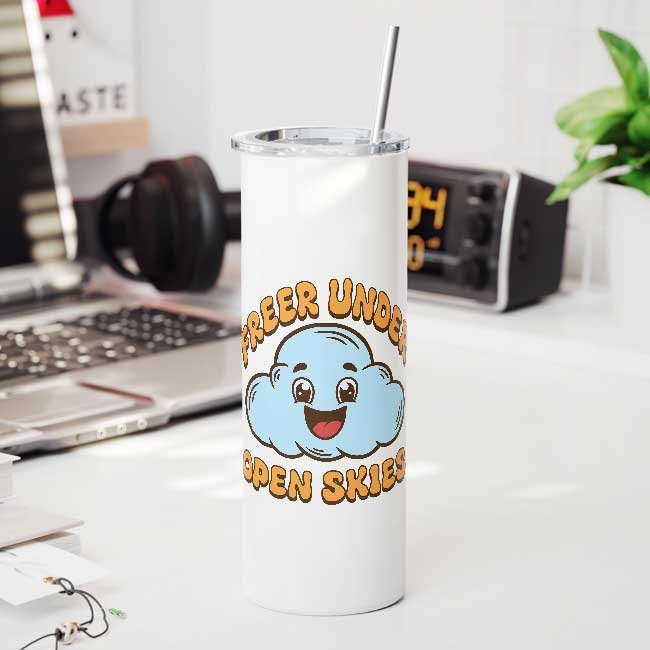
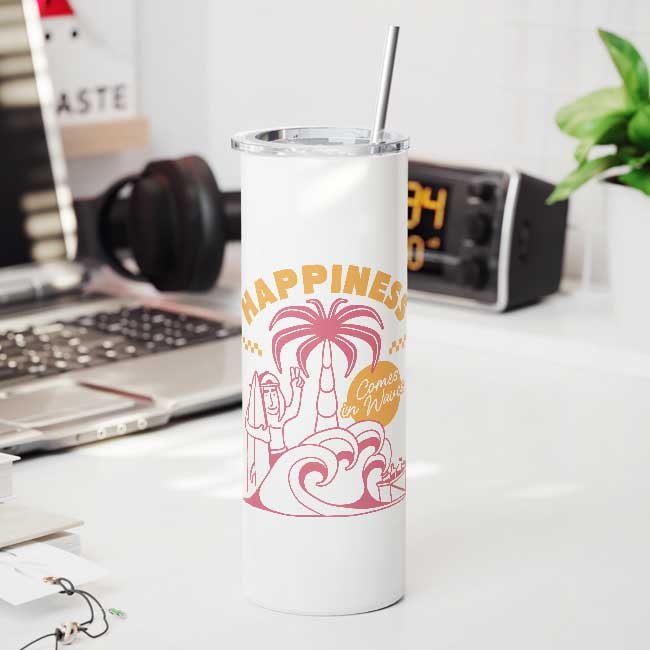
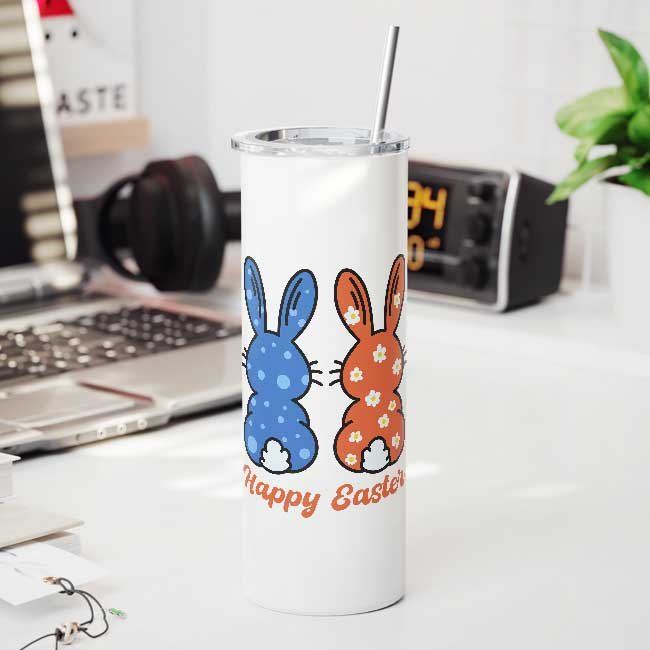
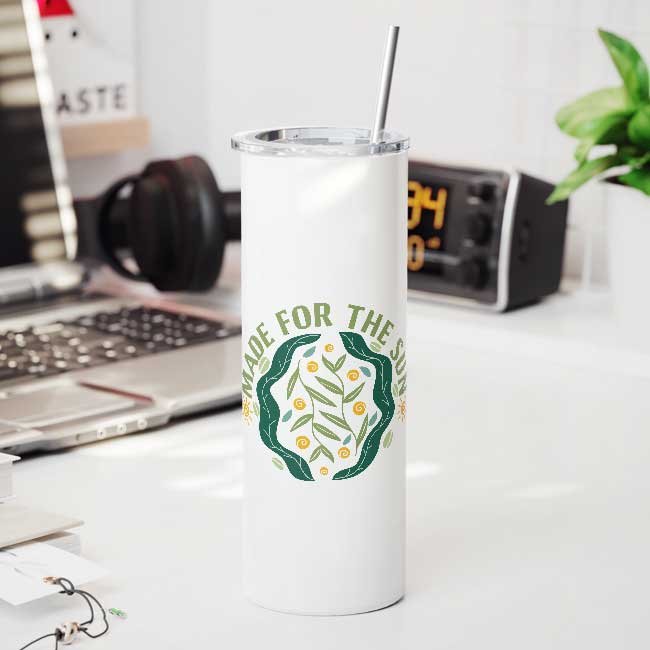
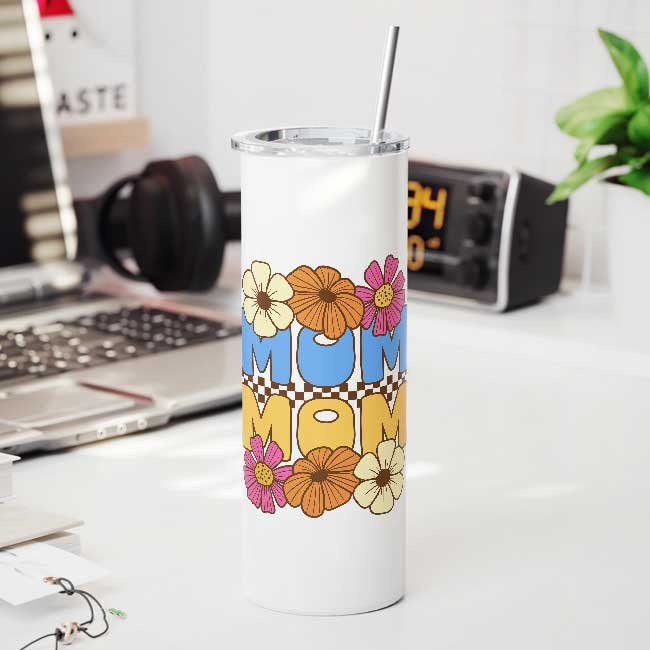
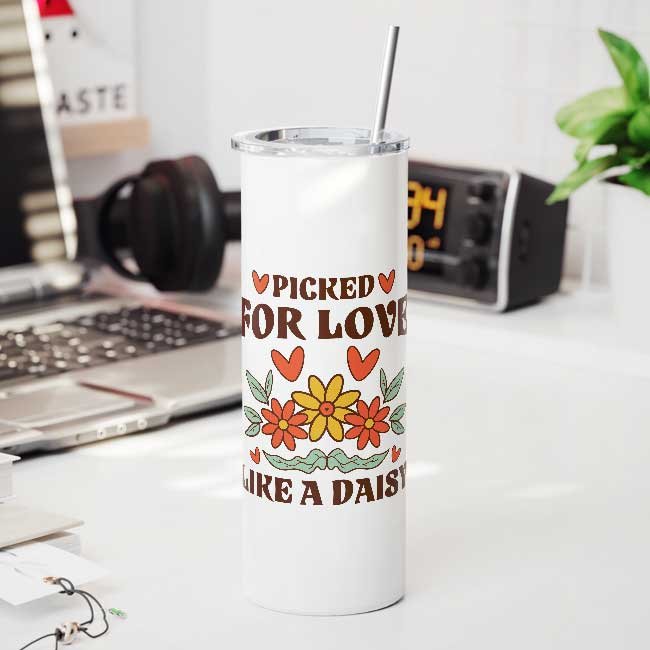
printMockup
Book a Demo Download plugin
Step 1 of 2

Your Contact Info

Enter your details to request a live demo.

Professional Automation

Turn hours of rendering
into seconds.

Studio-grade Photoshop automation — now 100% FREE.
printMockup intelligently maps artwork into complex smart objects, executing multi-format batch rendering, displacement blending, and asset organization with surgical precision for scaling e-commerce brands & design agencies.

Native Photoshop Engine

Runs natively inside CC with zero cloud queues and full GPU acceleration.

Surgical Smart-Object Fitting

Intelligent aspect scaling, displacement mapping, and seamless lighting blending.

printMockup
printMockup v2.0
All SmartObjects
Select PSD Folder
Select Design Folder
Select Export Folder
Layers
📂 Mockup Group
Smart Design
Reflections
Background

Watch it work.
In real time.

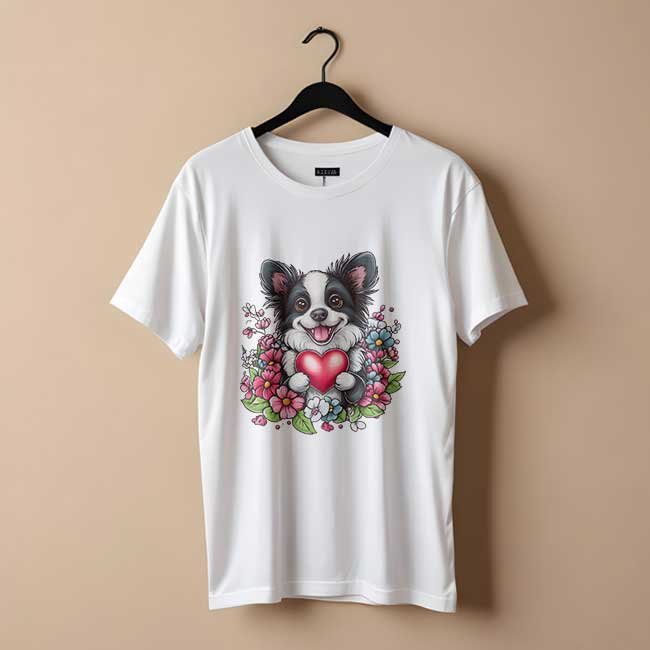
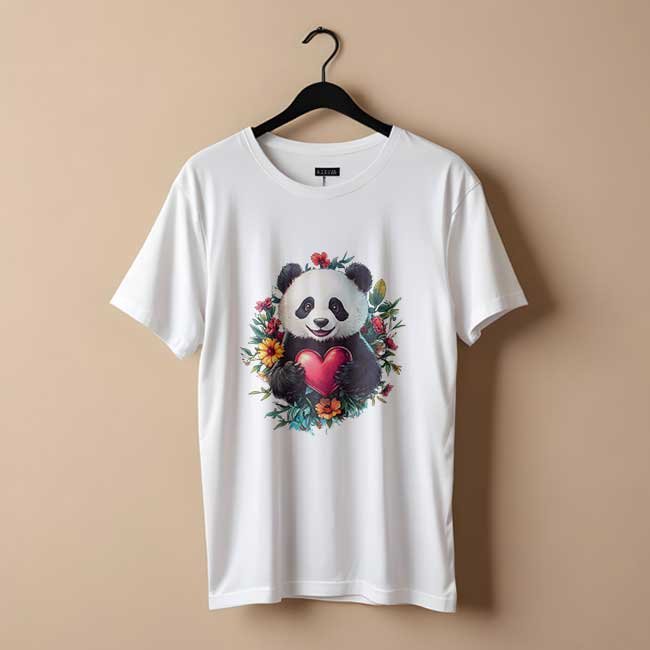
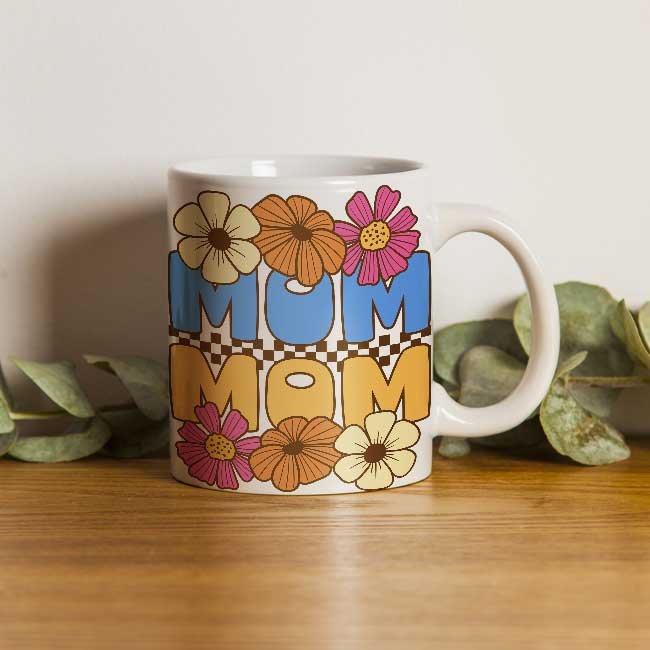
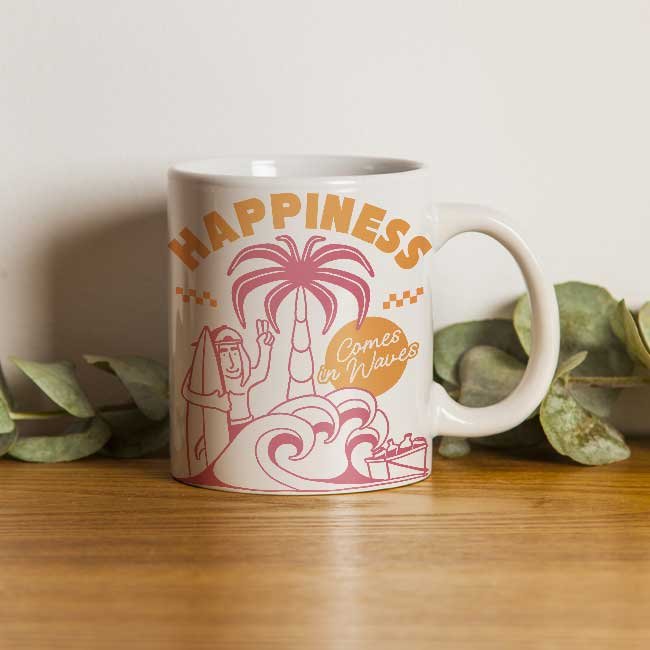
printMockup processes smart objects and instantly populates your export folder.

master_design.psd @ 100% (RGB/8)
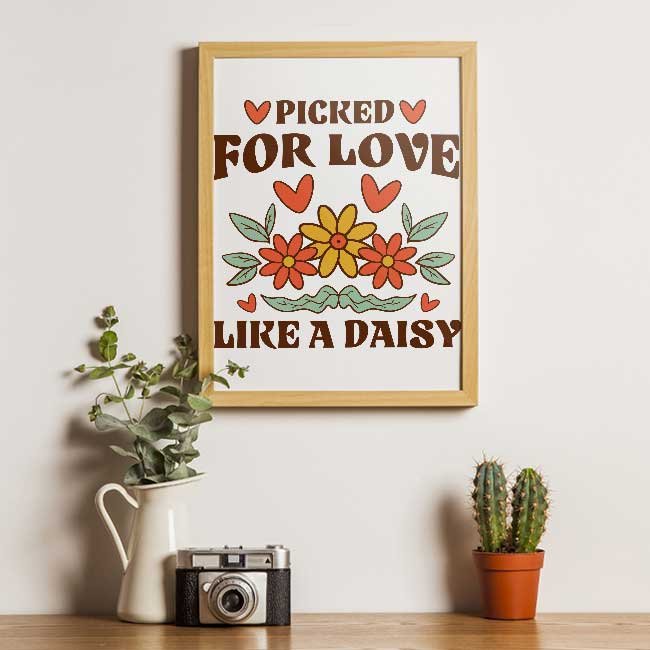
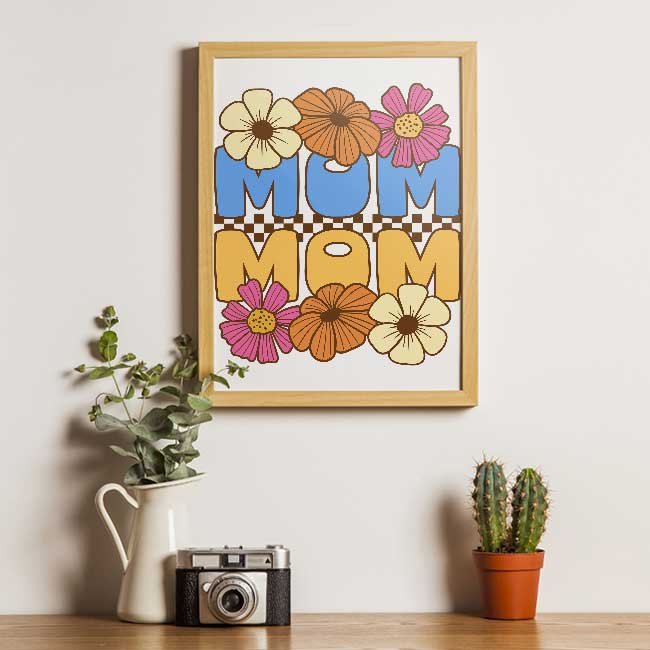
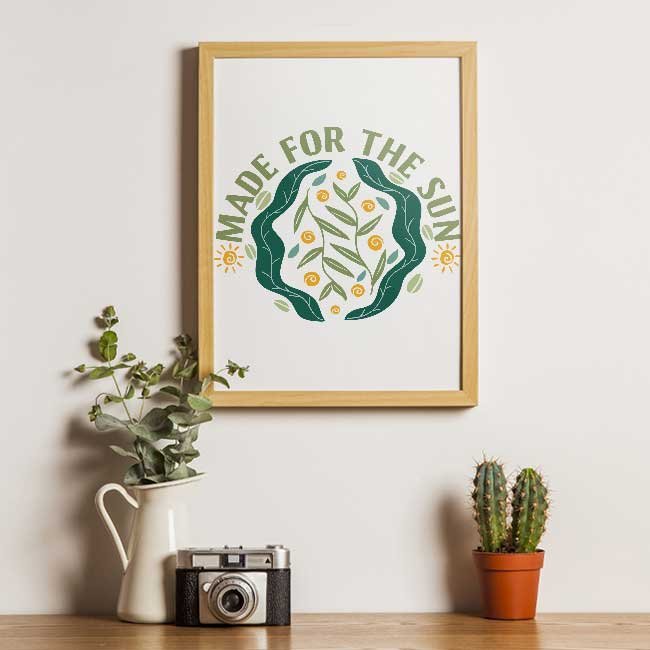
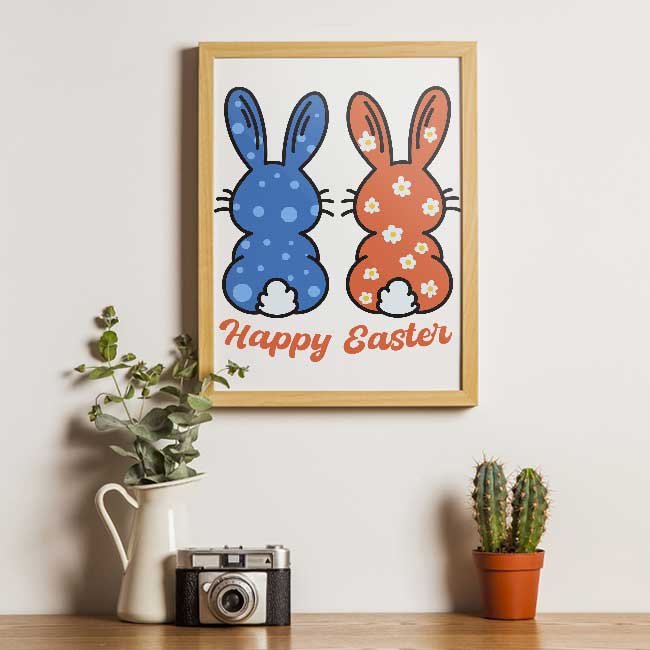
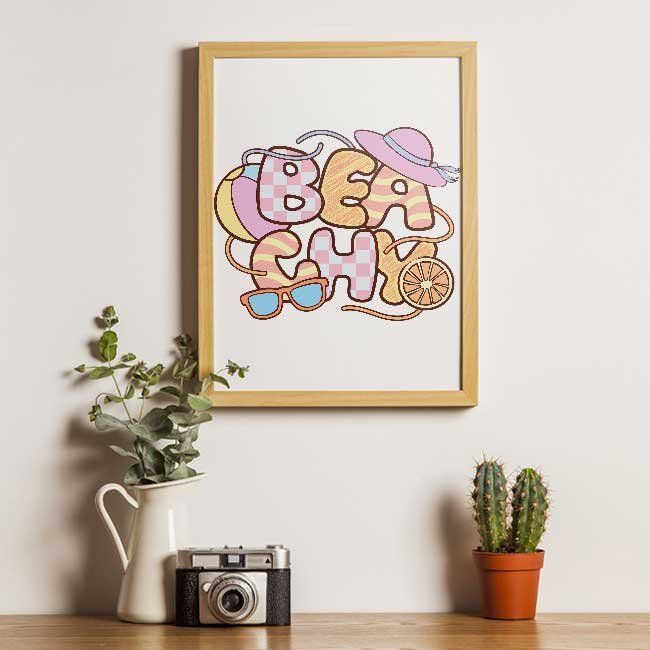
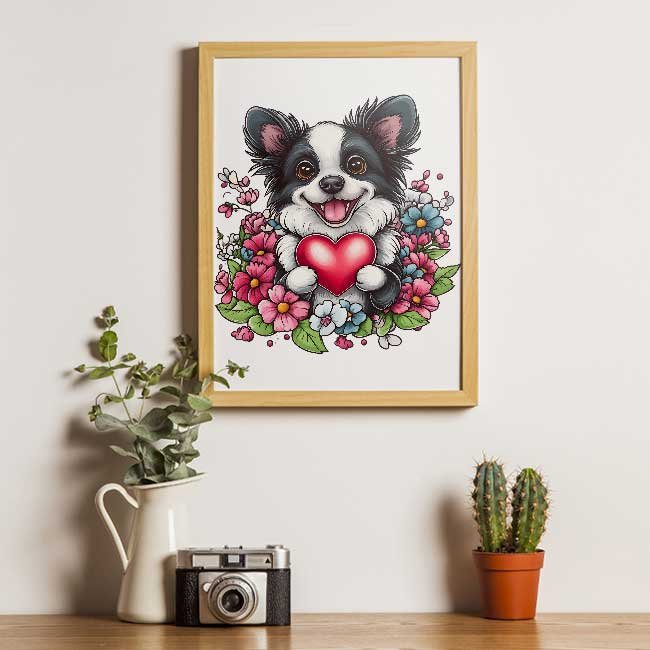
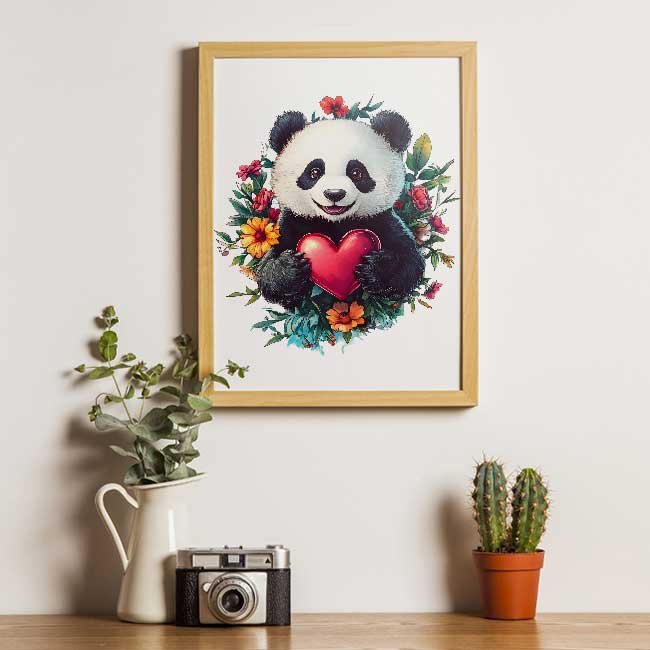
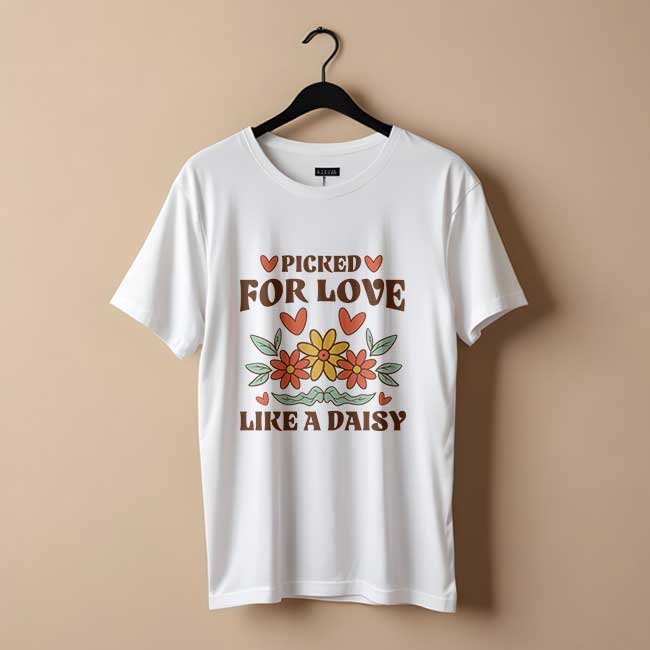
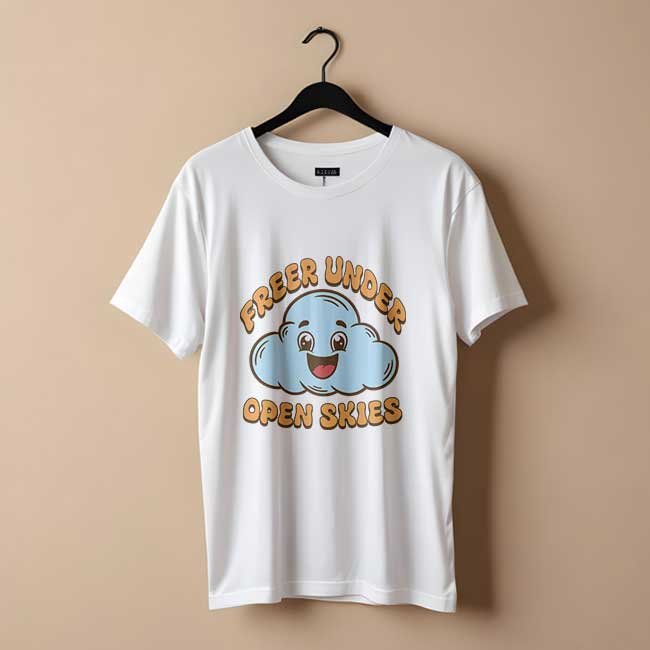
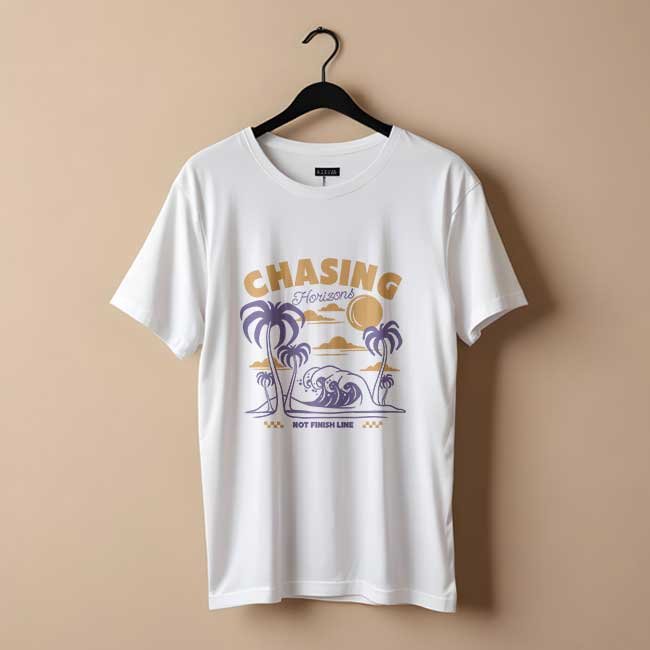
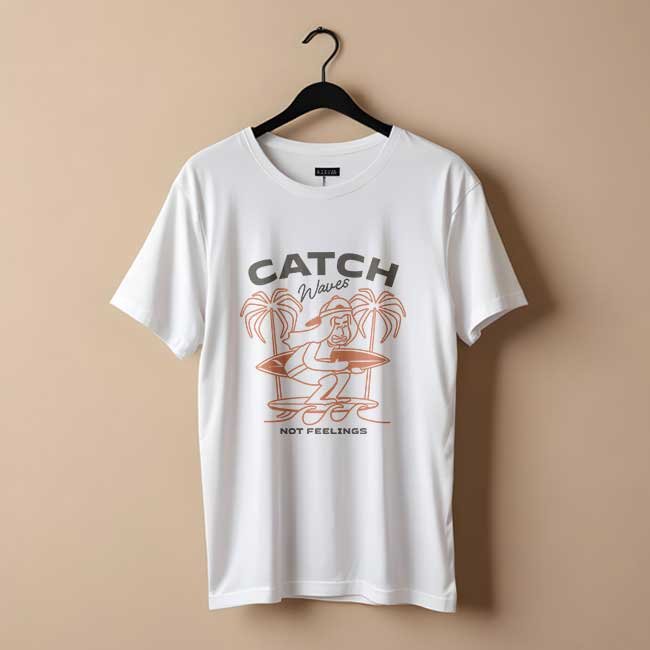
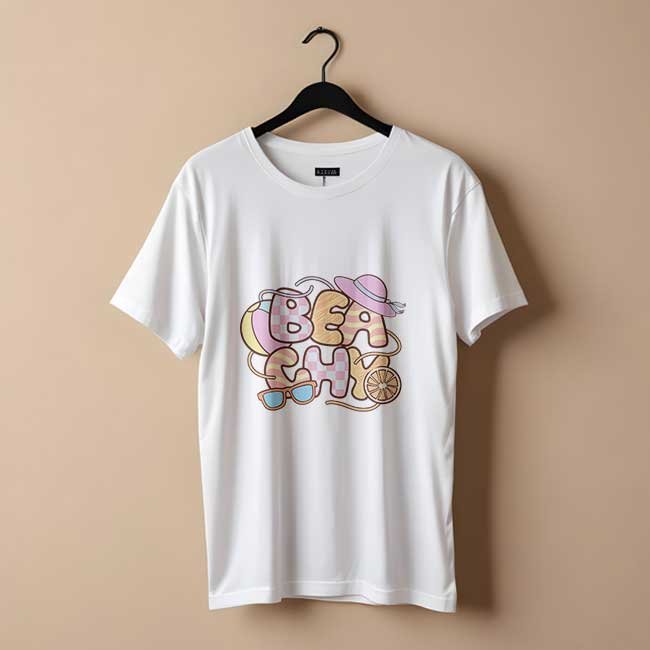
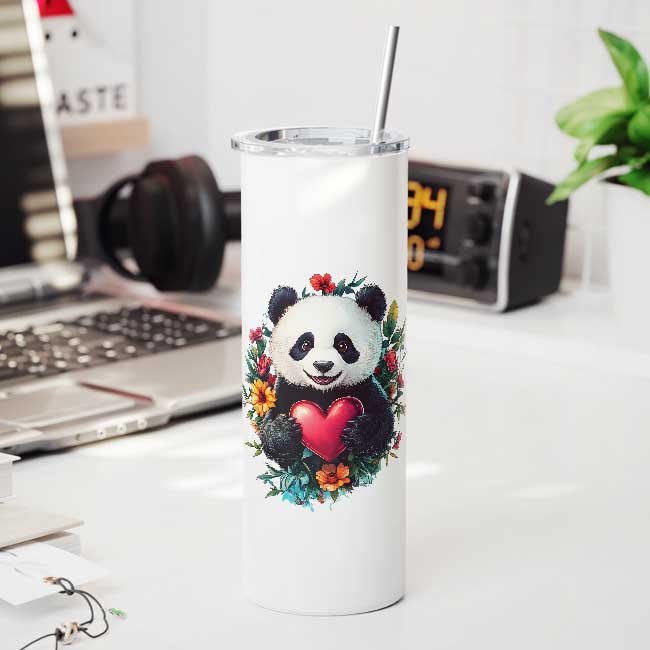
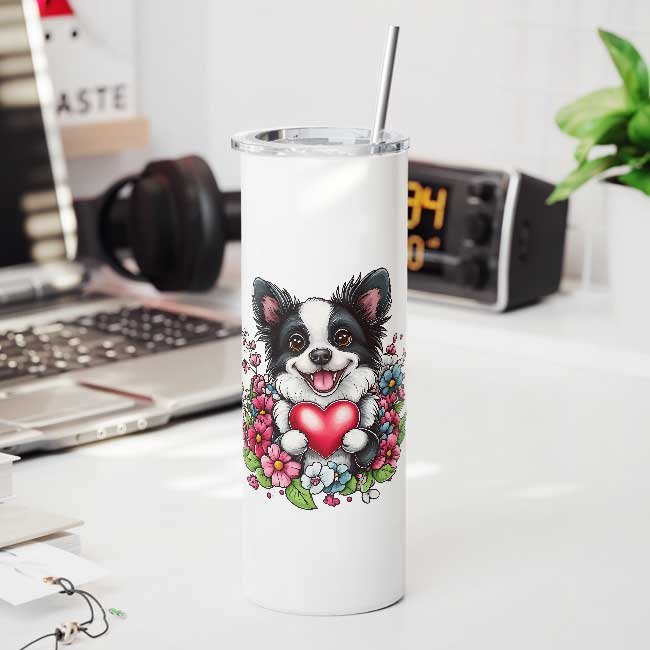
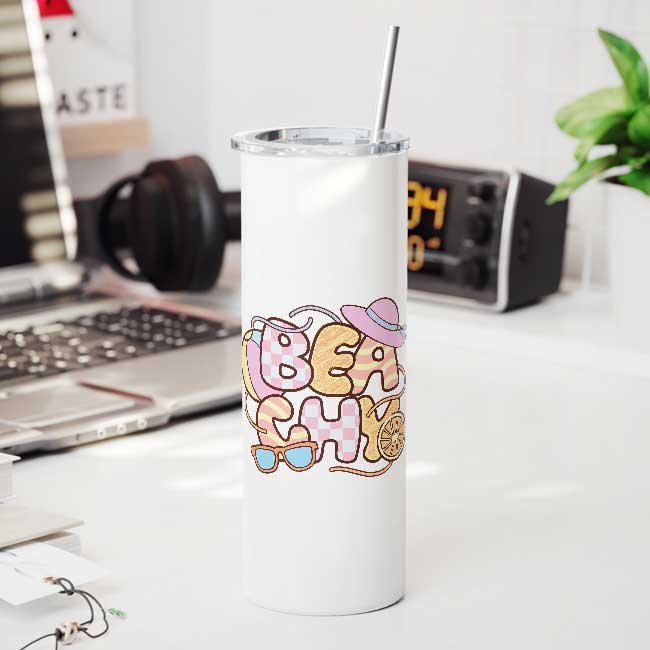
Frame Frame Frame Frame Frame Frame Frame Frame Frame Frame Frame Frame Tshirt Tshirt Tshirt Tshirt Tshirt Tshirt Tshirt Tshirt Tshirt Tshirt Tshirt Tshirt Mug Mug Mug Mug Mug Mug Mug Mug Mug Mug Mug Mug Bottle Bottle Bottle Bottle Bottle Bottle Bottle Bottle Bottle Bottle Bottle Bottle
Layers
📂 Mockup Group
Thumb
Your Design Here
Shadow Overlay
Background

Export
Frame
dsgn_01.jpg
Frame
dsgn_02.jpg
Frame
dsgn_03.jpg
Frame
dsgn_04.jpg
Frame
dsgn_05.jpg
Frame
dsgn_06.jpg
Frame
dsgn_07.jpg
Frame
dsgn_08.jpg
Frame
dsgn_09.jpg
Frame
dsgn_10.jpg
Frame
dsgn_11.jpg
Frame
dsgn_12.jpg
Tshirt
dsgn_01.jpg
Tshirt
dsgn_02.jpg
Tshirt
dsgn_03.jpg
Tshirt
dsgn_04.jpg
Tshirt
dsgn_05.jpg
Tshirt
dsgn_06.jpg
Tshirt
dsgn_07.jpg
Tshirt
dsgn_08.jpg
Tshirt
dsgn_09.jpg
Tshirt
dsgn_10.jpg
Tshirt
dsgn_11.jpg
Tshirt
dsgn_12.jpg
Mug
dsgn_01.jpg
Mug
dsgn_02.jpg
Mug
dsgn_03.jpg
Mug
dsgn_04.jpg
Mug
dsgn_05.jpg
Mug
dsgn_06.jpg
Mug
dsgn_07.jpg
Mug
dsgn_08.jpg
Mug
dsgn_09.jpg
Mug
dsgn_10.jpg
Mug
dsgn_11.jpg
Mug
dsgn_12.jpg
Bottle
dsgn_01.jpg
Bottle
dsgn_02.jpg
Bottle
dsgn_03.jpg
Bottle
dsgn_04.jpg
Bottle
dsgn_05.jpg
Bottle
dsgn_06.jpg
Bottle
dsgn_07.jpg
Bottle
dsgn_08.jpg
Bottle
dsgn_09.jpg
Bottle
dsgn_10.jpg
Bottle
dsgn_11.jpg
Bottle
dsgn_12.jpg

The Mockup Bottleneck, Solved.

Creating product mockup images manually is a massive time sink. See how the traditional manual grind compares to printMockup's instant automation.

Manual Grind ❌ 8-Hour Workday

Traditional Photoshop Grind

Manually open templates, paste artwork, scale, align, rename, and export each product image one by one inside Photoshop.

~3 Hours
Spent per 100 mockups
🎨
printMockup Way ✓ Under 10 Minutes

Automated Batch Execution

Drop design files and click Generate. Automation engine handles smart alignment and batch exports via our ⚡ Plugin or ☁️ Studio.

2-3 Minutes
Spent per 100 mockups
🎨

The hard way vs. the smart way.

A structured comparison of manual effort vs. printMockup automation.

Workflow Metrics Manual Workflow printMockup Automation
Time Required ~3 Hours
per 100 mockups
2-3 Minutes
per 100 mockups
Process Open template, paste design, resize, align, save, export — repeat. 2 simple steps: Drop transparent files, click Generate. Done.
Error Rate High risk of human error Near-zero. Fully automated smart alignment.
Scalability Mental burnout sets in after 20-30 mockups. Unlimited. Render 500+ mockups with zero effort ceiling.
File Naming Manual renaming is tedious; typos are inevitable. Automated naming synced directly from source artwork files.
BUILT FOR PROFESSIONAL POD SELLERS

Everything that
actually matters.

We built printMockup by talking to a thousand Etsy and Amazon Merch sellers. Every feature here was the answer to "what slows you down most?"

01 / Bulk

True bulk generation

Point at a folder. The plugin walks every smart object, swaps every design, exports every mockup — without you clicking once between renders.

02 / Speed

3 hours becomes 3 minutes

100 designs, fully rendered, before your espresso is cold. Multi-threaded export pipeline keeps Photoshop responsive while you keep working.

03 / Naming

Smart file naming

Outputs inherit your design filenames. floral.png → tee_floral_navy.png. No batch-rename rituals before you upload.

04 / Templates

Any smart-object PSD

Use the templates you already own — or grab new ones from Etsy, Creative Market, or our curated free pack.

05 / Quality

Print-ready by default

Exports at the full resolution of your PSD. No compression, no quality loss, no second-guessing whether Etsy will downscale you.

06 / Folders

Structured output files & folders

Renders are automatically organized into clean, structured subfolders by product type, color, and design variant for instant store uploads.

Two ways to launch your mockup catalog

Choose between self-serve local software automation or 100% hands-free studio delegation.

Mode A · DIY Plugin Free Forever

Photoshop CC Plugin

Batch-render smart objects locally inside Photoshop CC using your computer's CPU and time.

Free forever with unlimited exports
Processes locally on your computer
Requires local time and software monitoring
Download Free Plugin →
Mode B · Managed Studio 100% Hands-Free

Managed Studio Service

Drop designs into Drive — our professional studio team handles rendering, QA, and batch delivery.

Zero software needed, zero effort
Focus entirely on growing store sales
Retoucher QA verified before delivery
Explore Managed Service →
Managed Service Details

How Managed Service Works

Drop a folder. Launch a full catalog.

Skip the Photoshop grind entirely. Drop your designs and PSD templates into Drive — our studio team batch-renders, applies displacement mapping, and delivers retoucher-verified full-resolution mockups in hours.

01

📁 Send Your PSDs & Designs

Upload your raw artwork graphics and smart-object PSD mockups into your private Google Drive folder.

02

⚡ Batch Smart Placement

Our studio engine automatically maps your artwork onto smart objects with displacement curves, shadow blending, and human retoucher QA.

03

🚀 Receive Full-Res Renders

High-resolution listing-ready images deposited straight back to your Drive within 6 to 12 hours.

📁

Ready to hand off your mockup rendering?

Just send your PSDs and designs — we render every single mockup and deliver listing-ready files back to you.

Start Managed Service →

Real sellers

What POD sellers
say about it.

★★★★★

4.9 from 1,200+ reviews

all around the world
★★★★★

"Honestly a game changer. I used to spend my entire Sunday making mockups for 30 designs. Now I do 300 in 10 minutes. I wish I'd found it sooner."
SR

Sarah R.

Etsy seller · 1,400 sales

★★★★★

"I don't have Photoshop and don't want to learn it. The service is perfect — drop files in a folder, get mockups back the next morning. Dead simple."

JM

James M.

Redbubble · Service plan

★★★★★

"The plugin paid for itself on day one. The time I save every month is worth ten times the price. My mockup library went from 60 to 6,000."

PK

Priya K.

Amazon Merch · Plugin user

★★★★★

"printMockup literally cut my mockup creation time down to zero. I upload 50 new apparel listings every week, and the smart object auto-mapping handles all colors and angles effortlessly."

MV

Marcus V.

Shopify POD Seller · 5,000+ Mockups

★★★★★

"The resolution quality is unbelievable. No compression glitches or awkward warping on my poster frames and ceramic mugs. My Etsy conversion rate jumped 35% after upgrading my mockup images."

ER

Elena R.

Etsy Star Seller · Printify User

★★★★★

"I was skeptical at first, but batching 200 t-shirt designs in 3 minutes blew me away. The smart filename inheritance alone saves me 2 hours of tedious manual renaming before uploading."

DC

David C.

Merch by Amazon · KDP Creator

Two paths forward

Choose your layout

Already in Photoshop? Install the plugin. Don't want to touch software? Drop your designs and let us handle every render.

Photoshop Plugin · Free

$0+

Donation-supported · No subscription required

Free to download,
unlimited exports.

The plugin lives inside Photoshop, reads your smart-object PSD, and batch-applies every design in a folder — no clicks or paywalls.

Free to useNo subscription or monthly fees
Unlimited exportsGenerate as many mockups as you need
Bulk mockup generationProcess entire folders of designs at once
Starter Service

$49/mo

Unlimited mockups · 12-hour batch delivery

Skip the software.
Get mockups back.

Skip the Photoshop grind entirely. Drop designs into Drive — our studio team batch-renders and delivers full-resolution mockups in 12 hours.

Unlimited mockupsGenerate as many mockups as you need
12-hour batch deliverySubmit design folders & get full-resolution files back
Full-resolution qualityEvery mockup delivered at full resolution
Pro Volume Service HIGH-VOLUME

$99/mo

pro volume plan · scale unlimited

Skip the software.
Express delivery.

Skip the Photoshop grind entirely. Drop designs into Drive — our studio team batch-renders and delivers full-resolution mockups in 6 hours.

Unlimited mockupsGenerate as many mockups as you need
Unlimited ordersSubmit new batches anytime you need
Priority 6-hour turnaroundGet each order back within 6 hours

Compare plans & workflows

Detailed comparison between our free DIY Photoshop plugin and managed studio services.

Feature Photoshop Plugin
Free
Starter Service
$49/mo
Pro Volume Service
$99/mo
Software required Photoshop CC Zero software needed Zero software needed
Workflow mode Local DIY batch run Hands-free folder drop Hands-free folder drop
Turnaround time Instant (local CPU) 12-hour SLA delivery Priority 6-hour express
Order frequency Run anytime locally 12-hour batch delivery Unlimited orders
Design auto-fit Smart-object engine Auto-fit + quality check Auto-fit + quality check
Output quality Original full resolution Original full resolution Original full resolution
Revisions Self-serve local edit Unlimited free revisions Unlimited free revisions
Support Email support VIP priority support VIP priority support

Quick answers

Common questions

For the plugin, yes — Adobe Photoshop CC 2022 or later. For our service, no software is needed: drop files in a Drive folder and we handle the rest.
Any smart-object PSD. Use the templates you already own from Creative Market or Etsy, or browse our curated free pack of 40+ templates included with every subscription.
Yes — service plans are billed via Gumroad and can be cancelled anytime in one click directly from your Gumroad account or receipt email. No call, no email to us, no friction. Your access continues to the end of your billing period.
Starter service plans turn around within 12 hours of upload, while Pro Volume plans ship within 6 hours. Priority rush orders (under 4 hours) are available on request.

Read the full FAQ →

Start saving time today

Your competitors are already listing faster.

printMockup is the fastest way to go from design files to listed products. Start your free trial — no credit card needed.

Get started free

Day-one onboarding

00mInstall plugin or open Drive
02mLoad template & designs
05m100 mockups rendered
10mUploaded to Etsy

Works with the platforms you sell on

Etsy Amazon Merch Shopify Printful Printify Redbubble